Written by
Moydus Team
At
Wed Jan 07 2026
Website Design: The Complete Guide
Everything you need to know about website design. From fundamentals to advanced techniques, master the art and science of creating effective websites.
What is Website Design?
Website design encompasses the planning and creation of websites, including their visual appearance, user experience, and functionality. Great website design balances aesthetics with usability to achieve business goals.
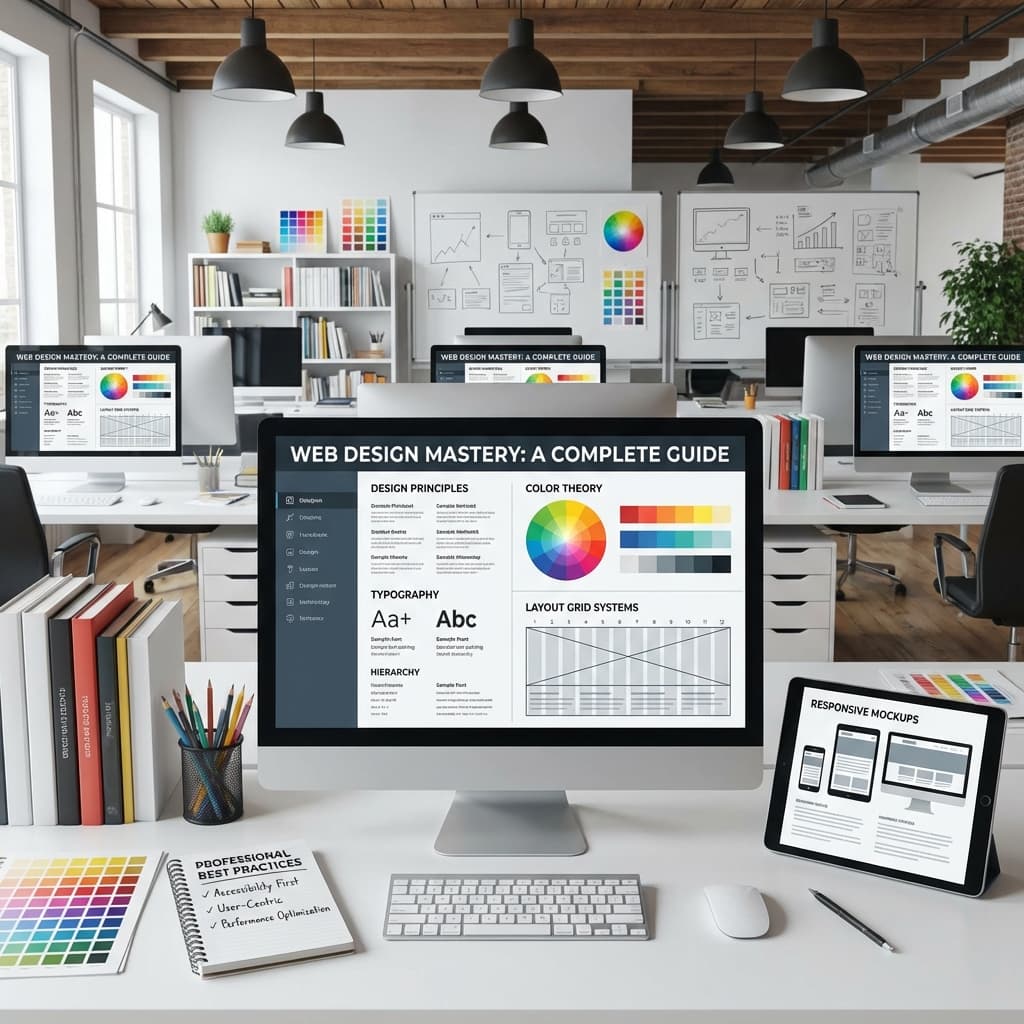
Core Design Principles
Visual Hierarchy
Guide users' attention to what matters most.
Techniques:
- Size (larger = more important)
- Color (contrast draws attention)
- Position (top-left to bottom-right flow)
- Spacing (white space creates focus)
- Typography (weight and style)
Balance
Create visual equilibrium in your designs.
Types:
- Symmetrical - Mirror image balance, formal feel
- Asymmetrical - Different elements balance, dynamic feel
- Radial - Elements radiate from center point
Contrast
Make elements stand out through difference.
Applications:
- Light vs dark colors
- Large vs small text
- Filled vs empty space
- Rounded vs sharp edges
Consistency
Maintain uniformity throughout the design.
Elements:
- Colors
- Typography
- Spacing
- Button styles
- Icon styles
Simplicity
Remove unnecessary elements.
Guidelines:
- One primary action per page
- Clear navigation
- Minimal color palette
- Focused content
Design Elements
Typography
Best practices:
- 2-3 fonts maximum
- Clear hierarchy (headings, body, captions)
- Adequate line height (1.5-1.8)
- Readable font sizes (16px+ for body)
- High contrast for readability
Font pairing examples:
- Montserrat + Open Sans
- Playfair Display + Source Sans
- Poppins + Roboto
Color
Building a palette:
- Primary color (brand)
- Secondary color (accent)
- Neutral colors (backgrounds, text)
- Semantic colors (success, error, warning)
Color psychology:
- Blue: Trust, professionalism
- Green: Growth, nature
- Red: Energy, urgency
- Yellow: Optimism, attention
- Purple: Luxury, creativity
Imagery
Types:
- Photography
- Illustrations
- Icons
- Graphics
- Video
Guidelines:
- High quality always
- Consistent style
- Purposeful selection
- Optimized file sizes
Space
White space benefits:
- Improves readability
- Creates focus
- Adds elegance
- Guides eye flow
Design Process
Visual Design
Tasks:
- Style exploration
- Mockup creation
- Design system development
- Responsive adaptations
Page Types
Homepage
Goals:
- Communicate value proposition
- Guide users to key content
- Build trust
- Enable navigation
Elements:
- Hero section
- Feature highlights
- Social proof
- Call-to-action
- Navigation
About Page
Purpose:
- Share your story
- Build connection
- Establish credibility
- Show personality
Services/Products
Focus:
- Clear descriptions
- Benefits-focused
- Visual examples
- Clear pricing
- Easy purchase/inquiry
Contact Page
Must-haves:
- Contact form
- Email/phone
- Physical address (if applicable)
- Social links
- Response expectations
Blog/Content
Design considerations:
- Readability priority
- Easy navigation
- Related content
- Share functionality
- Newsletter signup
Responsive Design
Mobile-First Approach
Start with mobile design, then expand to larger screens.
Benefits:
- Focus on essentials
- Better performance
- Improved mobile experience
- Progressive enhancement
Breakpoints
Common breakpoints:
- Mobile: 0-768px
- Tablet: 769-1024px
- Desktop: 1025px+
Responsive Techniques
- Fluid grids
- Flexible images
- Media queries
- Responsive typography
- Touch-friendly targets
Design Tools
UI Design
| Tool | Best For | Price |
|---|---|---|
| Figma | Collaboration | Free+ |
| Sketch | Mac users | $99/yr |
| Adobe XD | Adobe users | $9.99/mo |
Prototyping
| Tool | Best For | Price |
|---|---|---|
| Figma | Basic prototypes | Included |
| Principle | Animations | $129 |
| ProtoPie | Complex interactions | $13/mo |
Graphics
| Tool | Best For | Price |
|---|---|---|
| Illustrator | Vector graphics | $20.99/mo |
| Photoshop | Photo editing | $20.99/mo |
| Canva | Quick graphics | Free+ |
Learn more about tools professional designers use.
Design Trends 2026
Current Trends
- AI-generated elements
- 3D and immersive
- Dark mode default
- Micro-interactions
- Minimalism evolved
- Sustainability focus
Explore all web design trends for 2026.
Accessibility
WCAG Guidelines
- Perceivable - Content available to senses
- Operable - Interface usable by all
- Understandable - Clear and predictable
- Robust - Works with assistive tech
Quick Wins
- Color contrast (4.5:1 minimum)
- Alt text for images
- Keyboard navigation
- Form labels
- Focus indicators
SEO & Design
Design Impacts SEO
- Page speed
- Mobile-friendliness
- User experience signals
- Structured content
- Image optimization
Best Practices
- Optimize images
- Use semantic HTML
- Fast loading
- Clear hierarchy
- Internal linking
Measuring Success
Key Metrics
- Bounce rate
- Time on page
- Conversion rate
- Page views
- User satisfaction
Testing Methods
- A/B testing
- User testing
- Heatmaps
- Session recordings
- Surveys
Next Steps
Learning Path
- Master fundamentals
- Study great designs
- Practice regularly
- Get feedback
- Build portfolio
When to Hire Professionals
Consider professional help when:
- Lacking time or skills
- High stakes project
- Complex requirements
- Need strategy guidance
- Want best results
Explore our professional web design services or learn how to choose a web design company.
Conclusion
Website design combines art and science to create effective digital experiences. Master the fundamentals, stay current with trends, and always prioritize your users' needs.