Written by
Moydus Team
At
Mon Jan 26 2026
Best Free Web Design Software Compared
Compare the best free web design software available in 2026. Find powerful tools that cost nothing but deliver professional results.
Professional Design Without the Price Tag
You don't need expensive software to create stunning designs. This guide compares the best free web design software that professionals actually use.
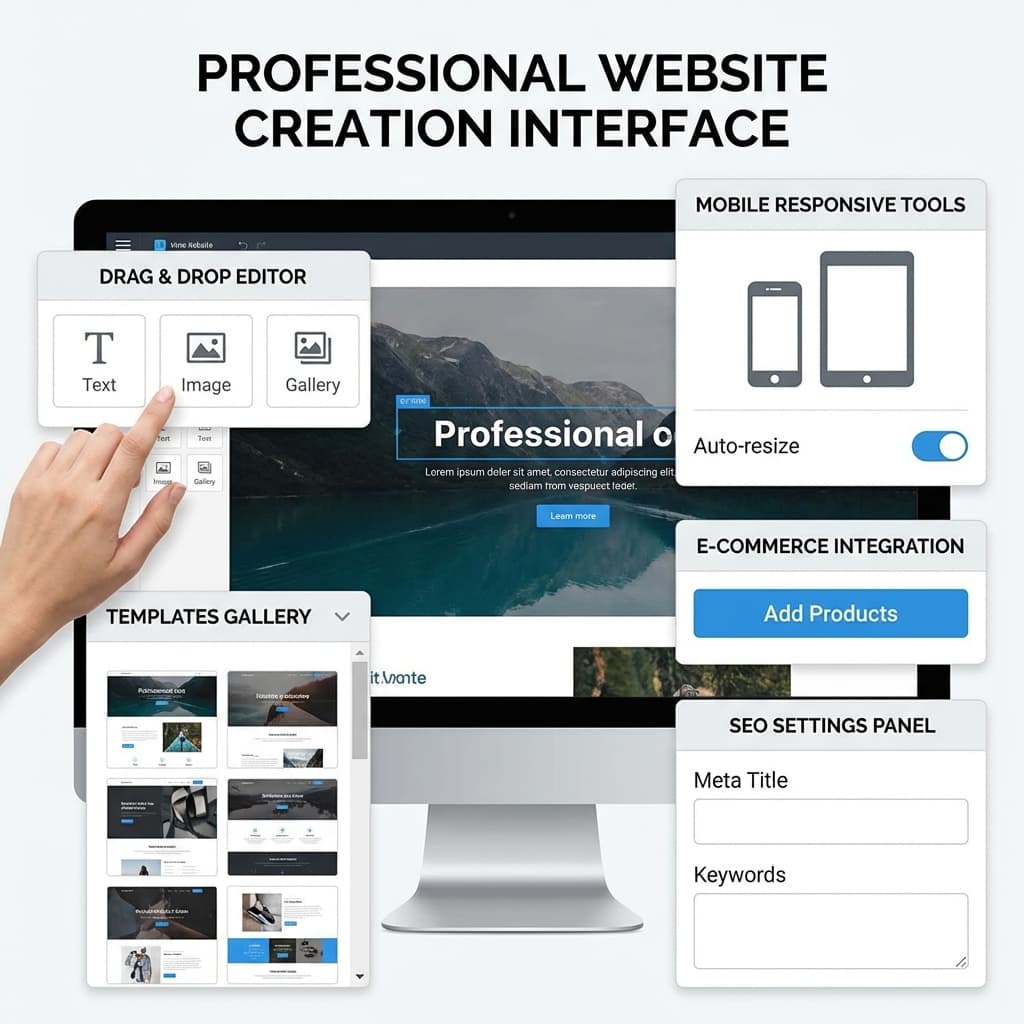
Top Free Web Design Software
Figma
Best for: UI/UX Design, Collaboration
Free tier includes:
- 3 Figma files
- Unlimited personal files
- 30-day version history
- Unlimited collaborators (view only)
Strengths:
- Industry standard
- Real-time collaboration
- Extensive plugin library
- Browser-based
Limitations:
- 3 project limit
- Limited version history
- No advanced prototyping
Verdict: Best overall free design tool
Canva
Best for: Graphics, Social Media, Quick Designs
Free tier includes:
- 5GB storage
- 250,000+ templates
- 1M+ photos and graphics
- Basic design tools
Strengths:
- Extremely easy
- Huge template library
- Stock photo access
- Mobile app
Limitations:
- Limited customization
- Watermarks on premium content
- Basic export options
Verdict: Best for non-designers
GIMP
Best for: Image Editing, Photo Manipulation
Completely free (open-source):
- Full feature set
- No limitations
- Cross-platform
- Plugin support
Strengths:
- Photoshop alternative
- Powerful features
- Active community
- Completely free forever
Limitations:
- Steeper learning curve
- Dated interface
- No cloud features
Verdict: Best free Photoshop alternative
Inkscape
Best for: Vector Graphics, Illustrations
Completely free (open-source):
- Full SVG support
- Professional tools
- Cross-platform
- No restrictions
Strengths:
- Illustrator alternative
- Excellent SVG handling
- Active development
- Large community
Limitations:
- Performance issues with large files
- Learning curve
- Limited web design features
Verdict: Best free vector editor
Photopea
Best for: Browser-Based Image Editing
Free with ads:
- PSD file support
- Photoshop-like interface
- No installation
- Works offline
Strengths:
- Photoshop compatibility
- Browser-based
- Surprisingly powerful
- Free forever
Limitations:
- Ads in free version
- Needs good internet
- Limited cloud storage
Verdict: Best browser-based editor
Penpot
Best for: Open-Source UI Design
Completely free (open-source):
- Unlimited projects
- Self-hosted option
- Full feature set
- No restrictions
Strengths:
- Figma alternative
- Open-source
- No limits
- Privacy-focused
Limitations:
- Smaller community
- Fewer plugins
- Less polished
Verdict: Best open-source Figma alternative
Blender
Best for: 3D Design, Motion Graphics
Completely free (open-source):
- Professional 3D tools
- Animation
- Video editing
- Rendering
Strengths:
- Industry-quality output
- Comprehensive features
- Large community
- Regular updates
Limitations:
- Steep learning curve
- Resource intensive
- Overkill for simple needs
Verdict: Best free 3D software
Google Web Designer
Best for: Interactive Ads, HTML5 Animation
Completely free:
- Animation tools
- Responsive design
- Code view
- Google Ads integration
Strengths:
- Professional animations
- Google integration
- Both visual and code
- Free forever
Limitations:
- Limited to web content
- Google-focused
- Less known
Verdict: Best for interactive content
Comparison Matrix
| Tool | Type | Platform | Skill Level | Collaboration | Moydus Uses |
|---|---|---|---|---|---|
| Figma | UI/UX | Browser | Beginner+ | Excellent | Primary |
| Canva | Graphics | Browser | Beginner | Good | Sometimes |
| GIMP | Image Edit | Desktop | Intermediate | None | Rarely |
| Inkscape | Vector | Desktop | Intermediate | None | Sometimes |
| Photopea | Image Edit | Browser | Beginner+ | None | Quick edits |
| Penpot | UI/UX | Browser | Beginner+ | Good | Testing |
| Blender | 3D | Desktop | Advanced | Limited | 3D projects |
Best Free Software by Use Case
For Web Mockups
Winner: Figma Nothing beats Figma's free tier for UI design.
For Image Editing
Winner: Photopea Browser-based Photoshop experience for free.
For Logo Design
Winner: Inkscape Professional vector tools at no cost.
For Social Media
Winner: Canva Templates make it effortless.
For 3D Elements
Winner: Blender Industry-standard quality, completely free.
Hidden Gems
Colorhunt
Free color palette inspiration
Unsplash
Free high-quality stock photos
Google Fonts
Free web fonts
Heroicons
Free SVG icons
Coolors
Free color scheme generator
When Free Isn't Enough
Consider upgrading when you need:
- More storage/projects
- Team collaboration
- Advanced features
- Commercial licensing
- Priority support
Learn about professional web design software when you're ready to invest.
Making the Most of Free Tools
Combine Tools
Use Figma for layouts + Canva for graphics + Photopea for editing.
Learn Keyboard Shortcuts
Efficiency makes free tools feel premium.
Use Templates
Most free tools have excellent templates.
Join Communities
Get free resources and support.
Export Smart
Understand file formats and optimization.
Conclusion
Free web design software has never been better. Tools like Figma, Canva, and GIMP offer professional capabilities without cost. Start with these tools, master them, and upgrade only when you truly need premium features.
Let Moydus Use These Tools For You
| DIY with Free Tools | Moydus Custom Design |
|---|---|
| Learning time required | No learning needed |
| Good results possible | Excellent results guaranteed |
| Your time invested | Your time saved |
| Tool limitations apply | No limitations |
| You handle everything | We handle everything |
Want professional results without the DIY effort? Our team uses industry-standard tools (including many of these) to create custom designs for your business.
Ready to explore more options? Check out our web design software comparison guide or learn about tools professionals use.