Written by
Moydus Team
At
Sun Jan 25 2026
Best Professional Web Design Software in 2026 (Free & Paid)
Discover the top professional web design software tools in 2026. Compare free and paid options used by agencies and freelancers worldwide.
Overview
Choosing the right web design software is crucial for creating stunning, high-performing websites. Whether you're a professional designer, agency, or freelancer, the tools you use directly impact your workflow efficiency and final output quality.
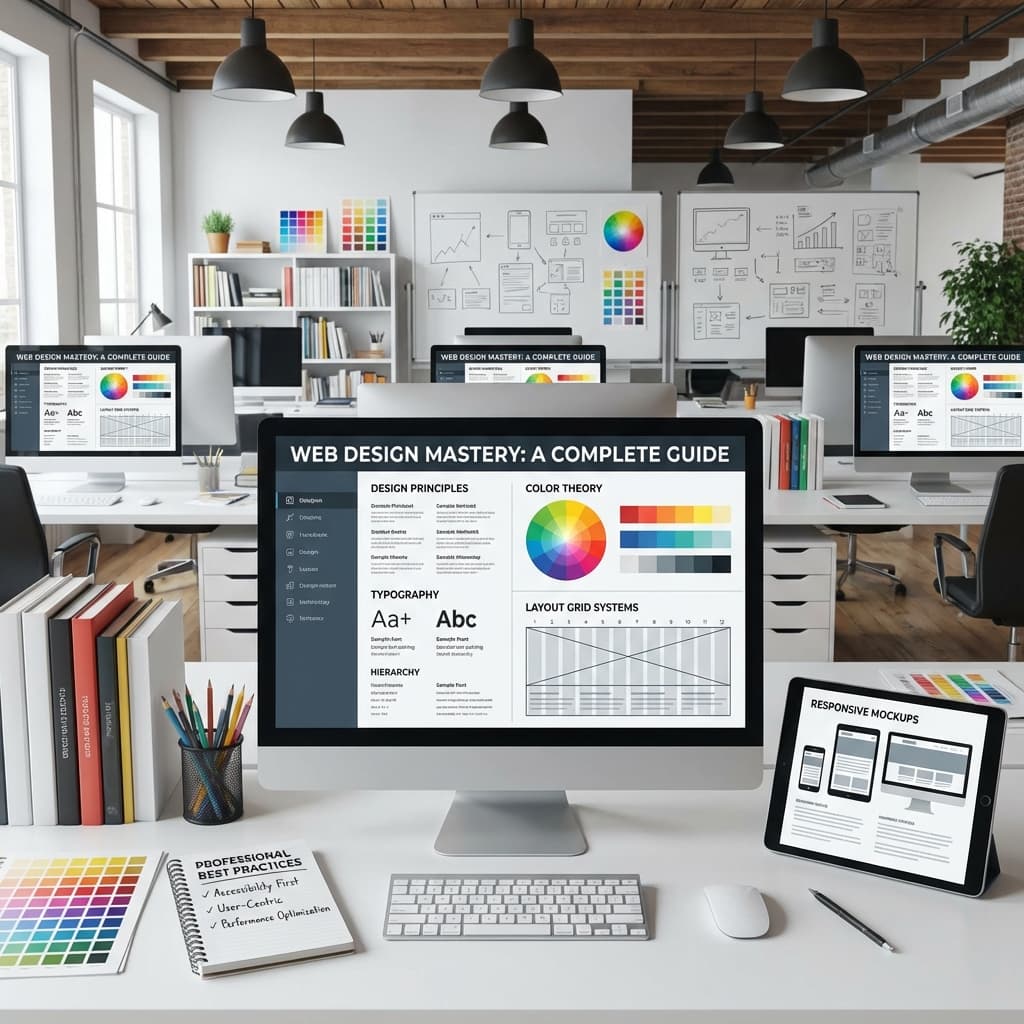
In this comprehensive guide, we'll explore the best professional web design software in 2026, covering both free and paid options to help you make an informed decision.
Top Professional Web Design Software
Figma
Figma remains the industry standard for collaborative design. Its cloud-based platform allows real-time collaboration, making it perfect for teams and agencies.
Key Features:
- Real-time collaboration
- Extensive plugin ecosystem
- Prototyping capabilities
- Developer handoff tools
Adobe XD
Adobe XD offers seamless integration with the Creative Cloud ecosystem, making it ideal for designers already using Adobe products.
Key Features:
- Voice prototyping
- Auto-animate features
- Creative Cloud integration
- Responsive resize
Sketch
Sketch continues to be a favorite among Mac users for its intuitive interface and powerful vector editing capabilities.
Key Features:
- Symbol libraries
- Smart layout
- Extensive third-party integrations
- Lightweight performance
Webflow
For designers who want to build production-ready websites without coding, Webflow bridges the gap between design and development.
Key Features:
- Visual CSS editor
- CMS capabilities
- Hosting included
- E-commerce features
Framer
Framer has evolved into a powerful design-to-production tool with advanced animation and interaction capabilities.
Key Features:
- Advanced animations
- Code components
- Real responsive design
- Built-in CMS
Free vs Paid: What's Right for You?
| Tool | Free Plan | Paid Starting Price | Best For | Moydus Uses |
|---|---|---|---|---|
| Figma | Yes (3 projects) | $12/month | Teams & Collaboration | Primary |
| Adobe XD | Limited | $9.99/month | Adobe Users | Sometimes |
| Sketch | No | $99/year | Mac Users | Rarely |
| Webflow | Yes (limited) | $14/month | No-Code Development | Primary |
| Framer | Yes (limited) | $5/month | Interactive Prototypes | Primary |
Moydus Workflow: Our design team uses Figma for all design work, then builds production sites in Webflow or Framer depending on project requirements. This combination delivers both design flexibility and production-ready output.
How to Choose the Right Software
When selecting web design software, consider these factors:
- Team Size - Collaboration features matter for larger teams
- Budget - Free tools can be powerful for individuals
- Workflow - Integration with existing tools
- Output Needs - Design-only vs design-to-code
- Learning Curve - Time investment for mastery
What Do Professional Web Designers Actually Use?
Based on industry surveys, most professional designers use a combination of tools. Learn more about what tools professional web designers actually use in our detailed breakdown.
Conclusion
The best web design software depends on your specific needs, workflow, and budget. For teams prioritizing collaboration, Figma leads the pack. For those wanting design-to-production capabilities, Webflow and Framer offer compelling solutions.
Let Moydus Handle the Tools
| Challenge | DIY Approach | Moydus Solution |
|---|---|---|
| Learning curve | Months | None for you |
| Software costs | $50-200/month | We cover it |
| Tool mastery | Years | Our expertise |
| Output quality | Variable | Guaranteed |
Focus on your business. Let our experts use the best tools to build your website.
Ready to build your next project? Explore our professional web design services to see how we can help bring your vision to life.